Getting Started
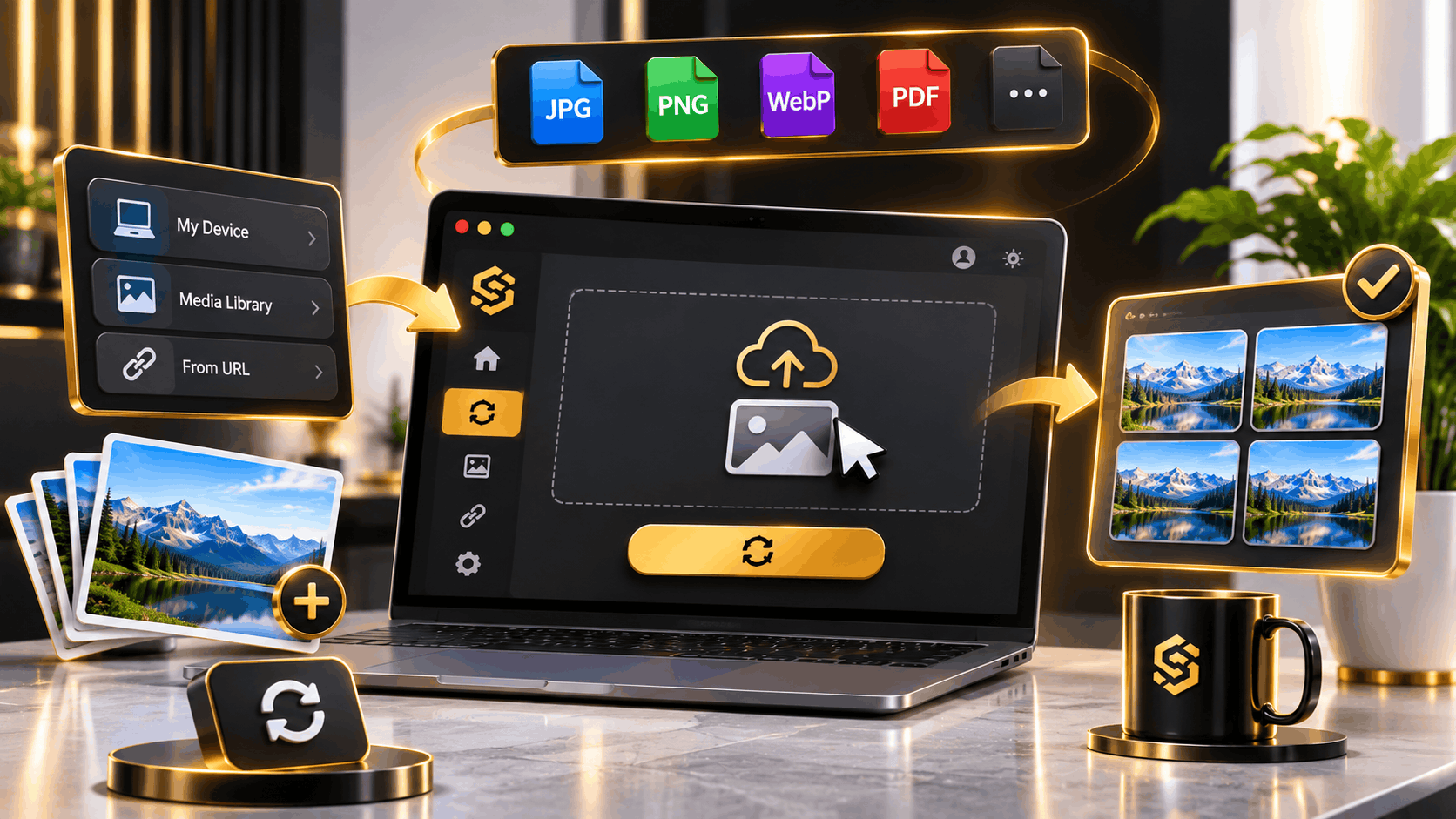
Learn how to use Convert to change image formats easily, and files from your device, Media Library, or URLs, convert them in batches, and manage your outputs.
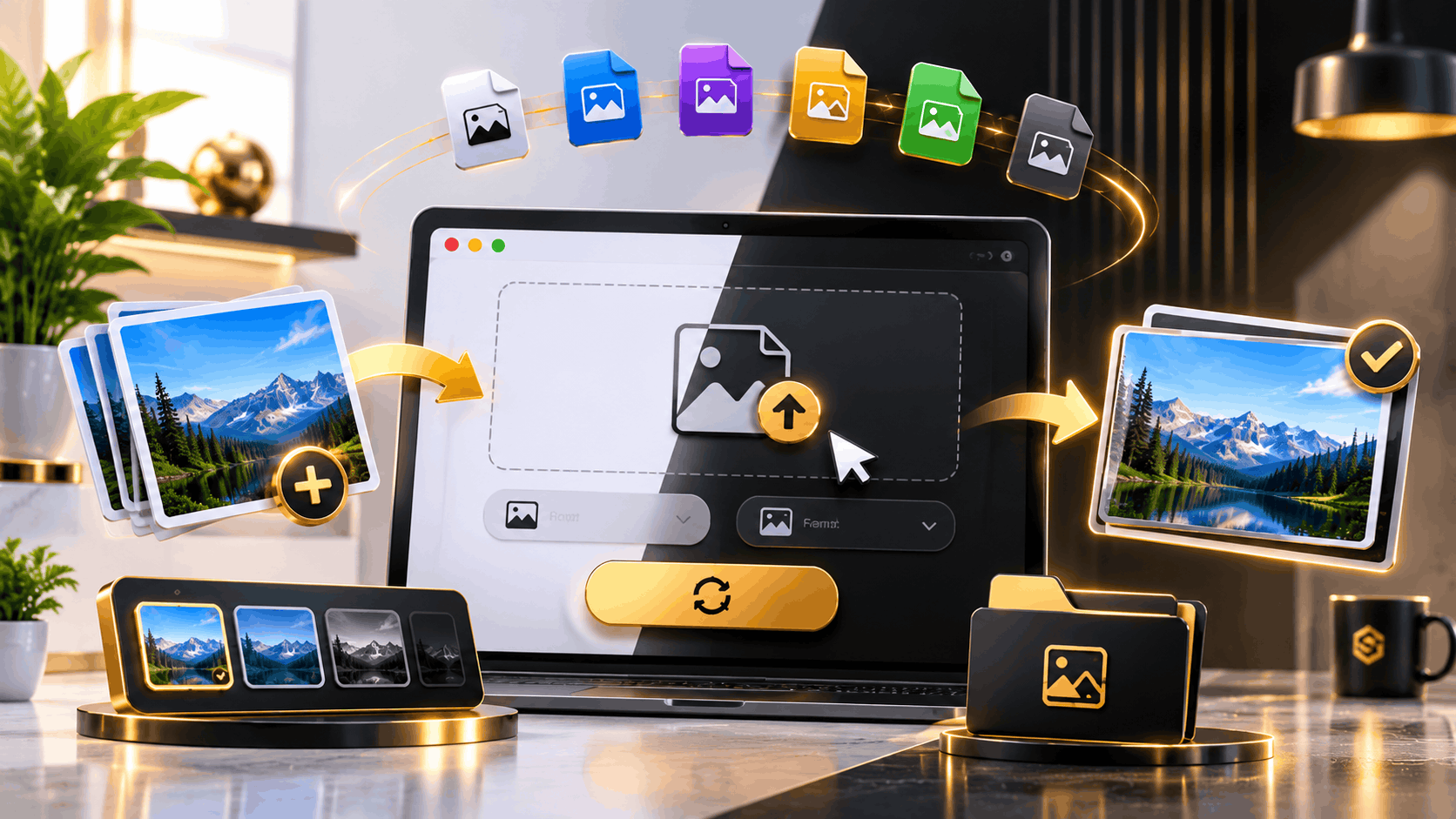
Learn how to use the Sofriq Convert app to easily convert images for your website and social media content. Convert files quickly and manage your assets.
Learn how to use Convert to change image formats easily, and files from your device, Media Library, or URLs, convert them in batches, and manage your outputs.
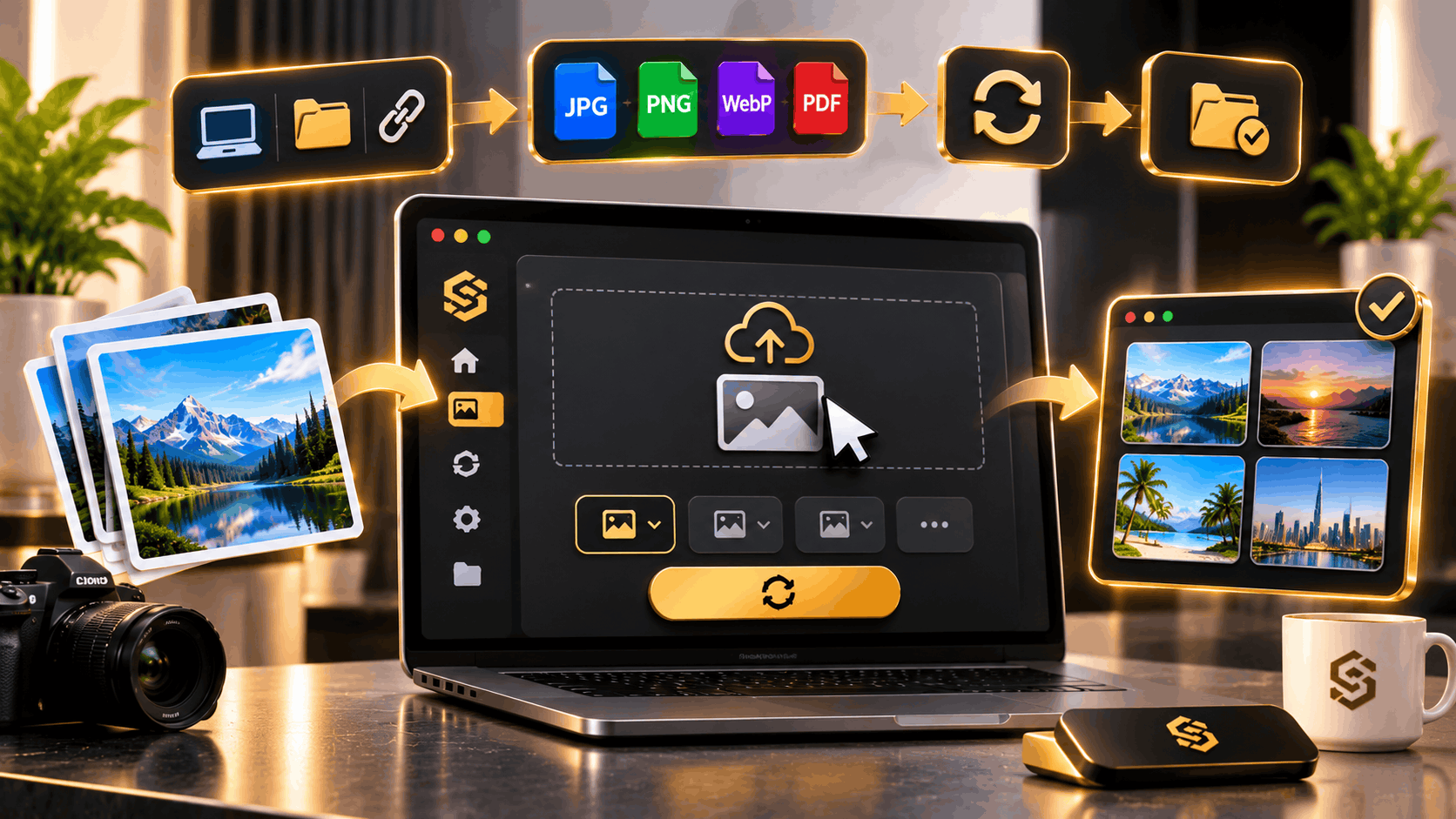
Learn how to use Convert to easily transform images into different formats. Follow our step-by-step guide on adding files, choosing formats, batch converting, and saving your results to Media.

Learn how to view, filter, and manage your image conversion history in Convert. Track status, preview details, and download saved outputs from your history.
No guides match your search.