Explain your profile quickly
Give new visitors a concise introduction to who you are, what you share, or what your business offers.
Share what you do, who you create for, and the details that make your profile yours. Generate short Instagram bio ideas, then personalize your favorite.
Start with a few details. Optional fields help the AI make drafts more personal.
Bring your publishing workflow together. Organize posts and schedule content for Pinterest, Facebook, and Instagram from one workspace.
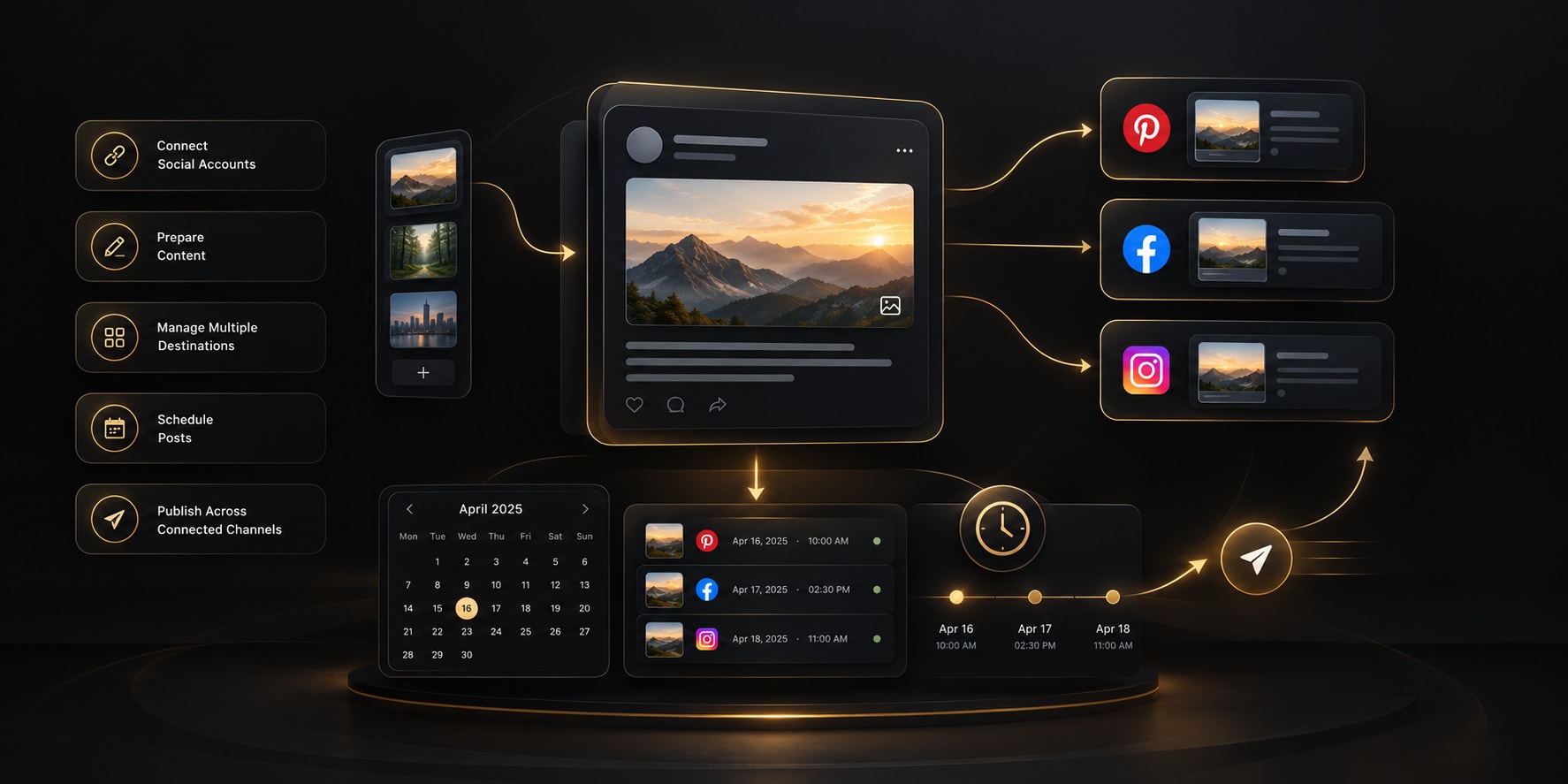 YOUR PUBLISHING WORKSPACE
Share what mattersUse your details, or leave optional fields blank.
Choose your styleSet a tone, language, and emoji preference.
Review and personalizeEdit a draft before adding it to your profile.
Give the generator accurate details, then treat its suggestions as drafts to review—not as a replacement for your own voice.
Select Personal, Creator, or Business so you can think about what visitors should understand when they open your profile.
Enter your name or brand and what you do or share. Add an audience or topic to make the bio more specific.
Include a specialty, service, location, or call to action only when it is relevant. Choose a tone, language, and emoji preference.
Review three short ideas, check the character count and every claim, then copy and edit your favorite before adding it to Instagram.
A profile bio has little room to introduce a person, creator, or business. Use the tool to explore concise options, then choose what genuinely represents you.
Give new visitors a concise introduction to who you are, what you share, or what your business offers.
Turn your own profile details into several drafts instead of trying to write the perfect first line from scratch.
Shape ideas for a personal, creator, or business profile, with a tone and language you choose.
The generator only suggests text. You can edit, combine, or reject any draft before using it.
Your Instagram bio is a short introduction to your profile. Give the generator a little context about your work, interests, or audience to get editable ideas that fit your style.
The generator creates suggestions only; it does not connect to or publish anything on Instagram. Check every detail, choose what you are comfortable sharing, and edit the final text to match your voice.
Use these checks when you review a generated bio or write one yourself.
These fictional examples show how a bio can introduce a person, creator, or business. Adapt the structure; do not use details that are not true for you.
Nina | Learning to cook, exploring local trails, and sharing small everyday wins.
Easy weeknight meals for busy home cooks. New recipes and kitchen tips.
Thoughtful stationery for everyday notes. Designed in Leeds. Browse the latest range ↓
Add the most useful details about you or your account, such as what you do, what you share, who you help, or how people can get in touch.
Yes. Choose Business or Creator and describe your offer, content, audience, or specialty. The generated drafts are suggestions you can adjust.
No. It generates bio text only. Copy and review a suggestion, then update your Instagram profile yourself.
Instagram profile bios have a short character limit. This tool keeps its drafts within the limit shown beside the results; review the current limit in Instagram before saving.
You can include a relevant topic, service, or specialty in your details. Keep the wording natural and useful to people visiting your profile rather than adding a list of unrelated search terms.