Get past the blank page
Use a few details you already know about yourself, your work, or your Page to get several starting points.
Describe yourself, your interests, or what your Page offers. Get concise Facebook bio drafts shaped around the details and tone you choose.
Start with a few details. Optional fields help the AI make drafts more personal.
Bring your publishing workflow together. Organize posts and schedule content for Pinterest, Facebook, and Instagram from one workspace.
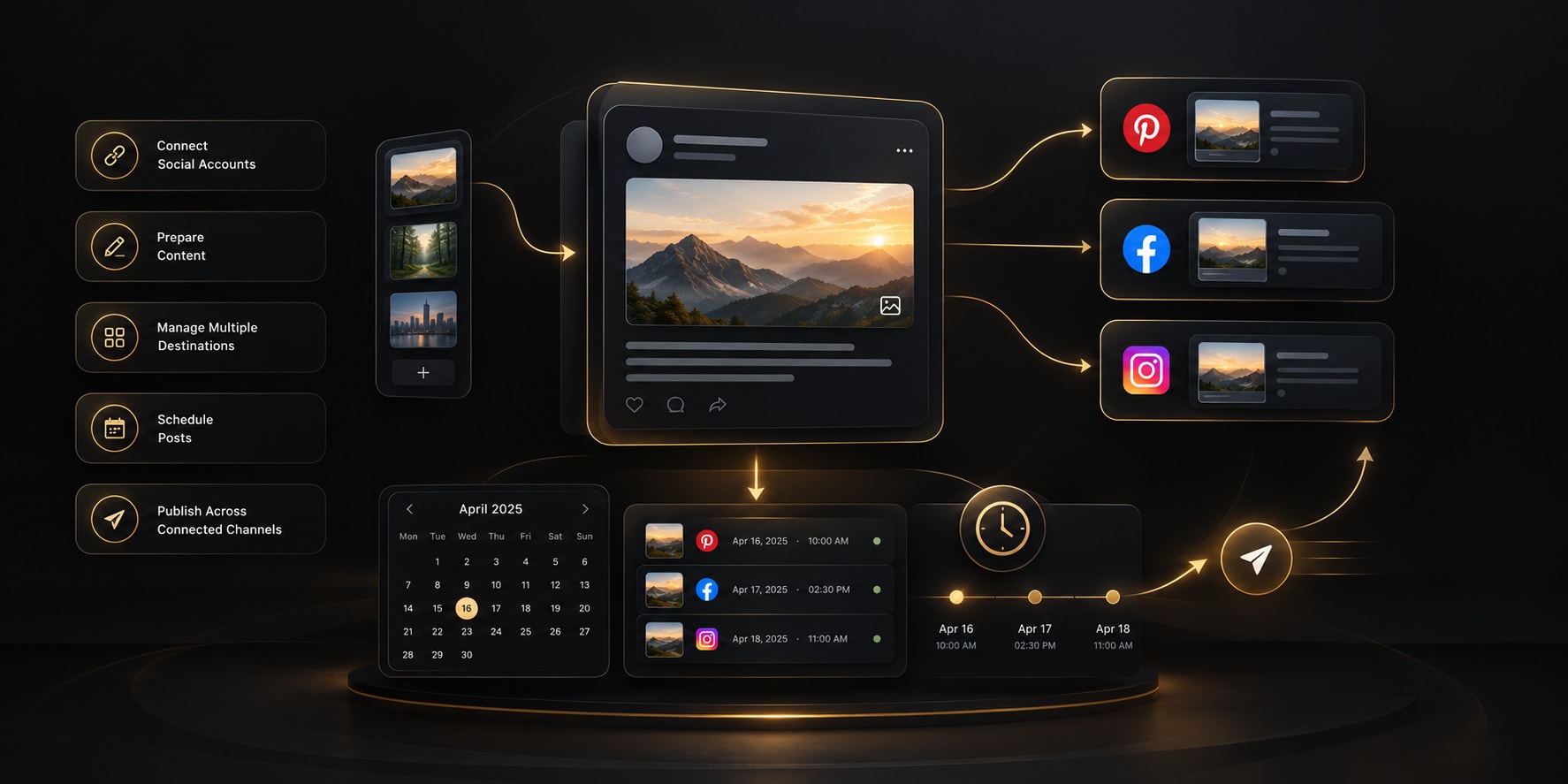 YOUR PUBLISHING WORKSPACE
Share what mattersUse your details, or leave optional fields blank.
Choose your styleSet a tone, language, and emoji preference.
Review and personalizeEdit a draft before adding it to your profile.
Give the generator accurate details, then treat its suggestions as drafts to review—not as a replacement for your own voice.
Select Personal profile for an individual introduction or Facebook Page for a business, organization, or public-facing brand.
Enter the profile or brand name and describe what you do. Mention the audience, interests, offer, or specialty if they help explain your purpose.
Pick a tone and language, and decide whether you want emojis. Optional details can guide the draft but should be accurate and suitable to share publicly.
Create three suggestions, check each detail, and copy the one you want to refine. The tool does not change your Facebook profile or Page.
A profile bio has little room to introduce a person, creator, or business. Use the tool to explore concise options, then choose what genuinely represents you.
Use a few details you already know about yourself, your work, or your Page to get several starting points.
A short bio has limited space. Prioritize who you are, what you offer, or what visitors can expect.
Try a professional, friendly, playful, or minimalist tone, then choose wording that feels authentic.
Review and edit suggestions before using them. You choose which details belong in a public-facing bio.
A Facebook bio can quickly tell visitors who you are or what your Page is about. Share only the details you want people to see, then use the generated drafts as a starting point.
The generator creates suggestions only; it does not connect to or publish anything on Facebook. Check every detail, choose what you are comfortable sharing, and edit the final text to match your voice.
Use these checks when you review a generated bio or write one yourself.
These fictional examples show how a bio can introduce a person, creator, or business. Adapt the structure; do not use details that are not true for you.
Maya Chen | Weekend hiker, home cook, and keeper of too many houseplants.
Simple home projects for first-time DIYers. New ideas and practical guides every week.
North Star Studio | Handmade ceramics created in Toronto. Explore the latest collection.
Yes. Choose Facebook Page and describe the organization, business, or creator account. The tool drafts a concise introduction from the details you provide.
Yes. Select Personal profile and share the interests, work, or personality you want your introduction to reflect.
No. It only creates text suggestions. Review and copy the version you like, then add it to Facebook yourself.
Start with your name or brand and what you do. Audience, interests, services, location, and a call to action are optional—include only accurate details that you want to use.
The tool applies a draft-length target based on the selected account type. Check the current field limit in Facebook before saving, as fields and platform limits can change.