The Ultimate Guide to B2B Lead Generation: Mastering Sofriq Leads Engine
In the modern business landscape, data isn't just an asset; it’s the fuel that drives growth. However, for many startups, freelancers, and small agencies, the "fuel" is often too expensive. Most lead generation tools carry heavy price tags, complex setups, and restrictive credit systems.
At Sofriq, we believe that the tools to build a business should be accessible to everyone. That is why we built the Sofriq Leads Engine. This isn’t just another Leads Extractor; it’s a complete lead-to-outreach ecosystem.
In this exhaustive guide, we will take you through a "Masterclass" on how to use this tool to build a high-converting lead pipeline from scratch.
Setting the Stage: A Real-World Lead Gen Strategy
To understand the power of this tool, let’s look at it through the eyes of a professional.
The Persona: Meet Alex, a freelance Website Developer. Alex is skilled at building high-performance sites, but he needs clients. He knows that thousands of local businesses in big cities either have no website or have one that hasn’t been updated since 2010.
The Goal: Alex wants to find 20 high-quality leads in the restaurant niche in New York, qualify them, and send them a personalized pitch—all within 30 minutes.
Initiating the "Search of Power"
Alex navigates to Sofriq Leads Engine.
The interface is clean and distraction-free. Alex enters his target parameters:
- Keyword:
Restaurants in New York - Action: He hits the Search button.
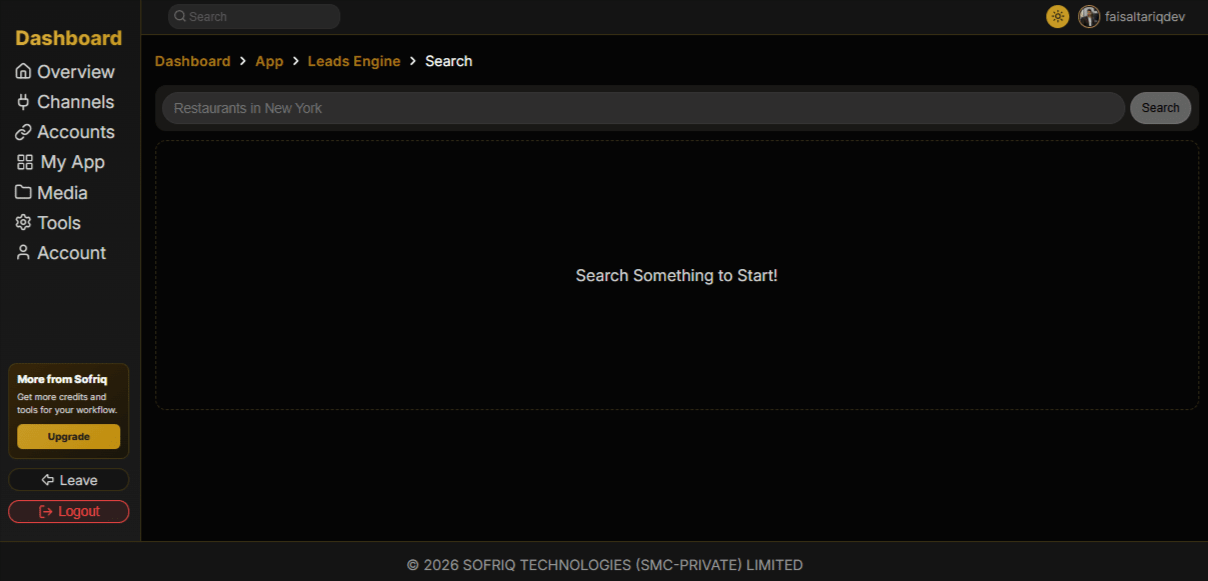
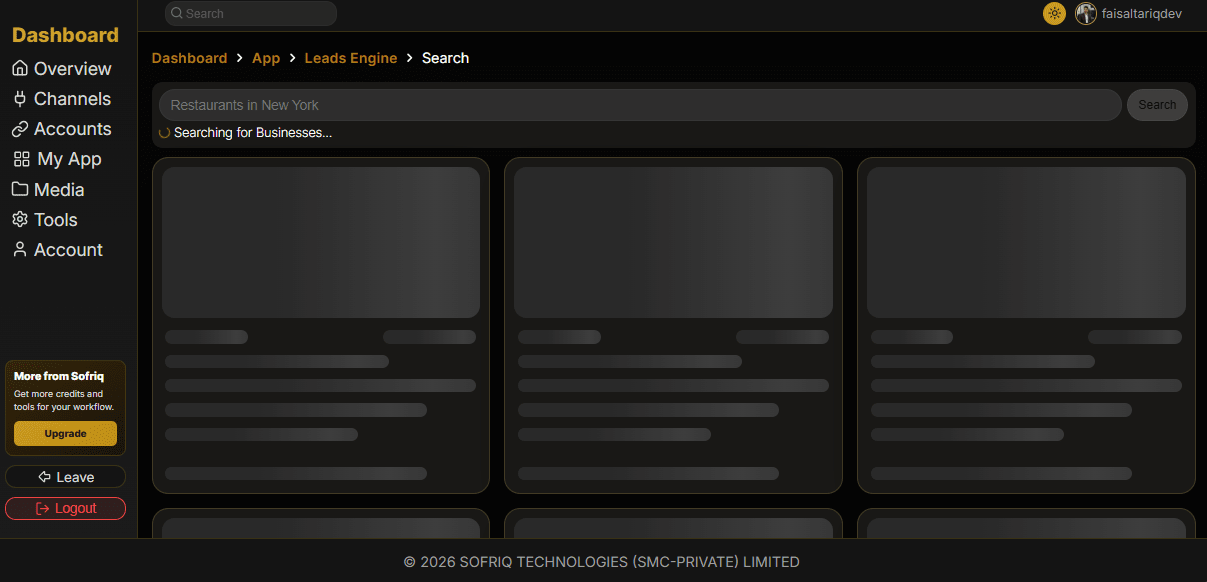
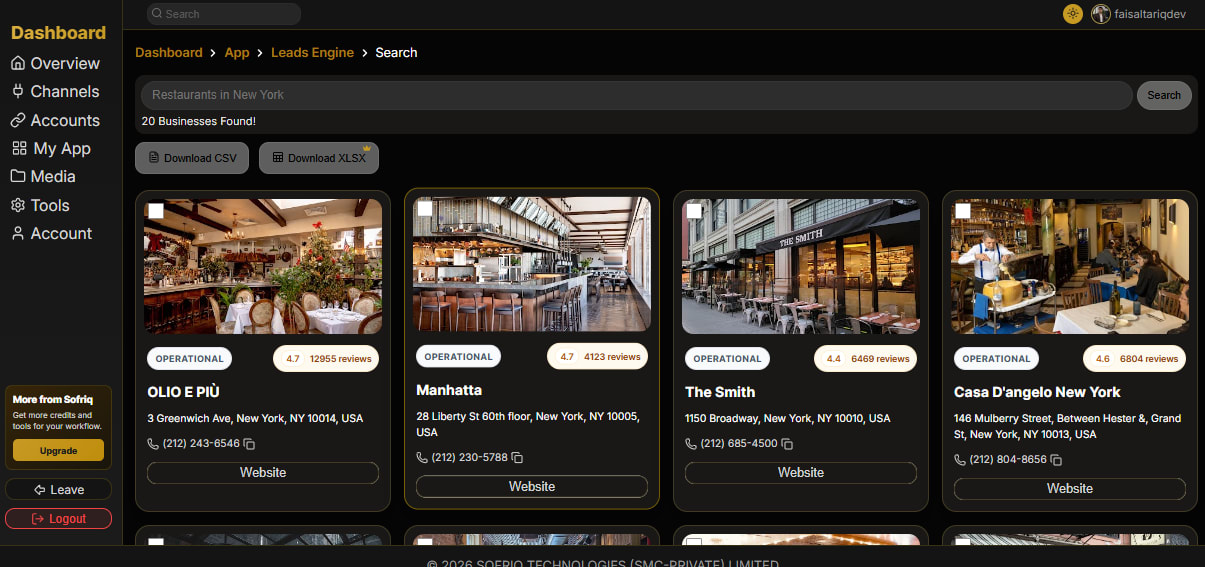
Immediately, the tool begins its work, starting to fetch data from Google Maps via its APIs. It interfaces with Google Maps data to pull real-time, verified business listings. Unlike static databases that might be months old, this is "live" data.
The Magic of Save Businesses
One of the most innovative features Alex notices is the save-business functionality (You can save businesses by clicking the save button in the top bar after selecting that business).
Note: Our tool complies with Google Maps Platform policies. We do not scrape or permanently store business details on our servers. When you save a business, we only save its unique Reference ID to pull live updates whenever you revisit your dashboard.
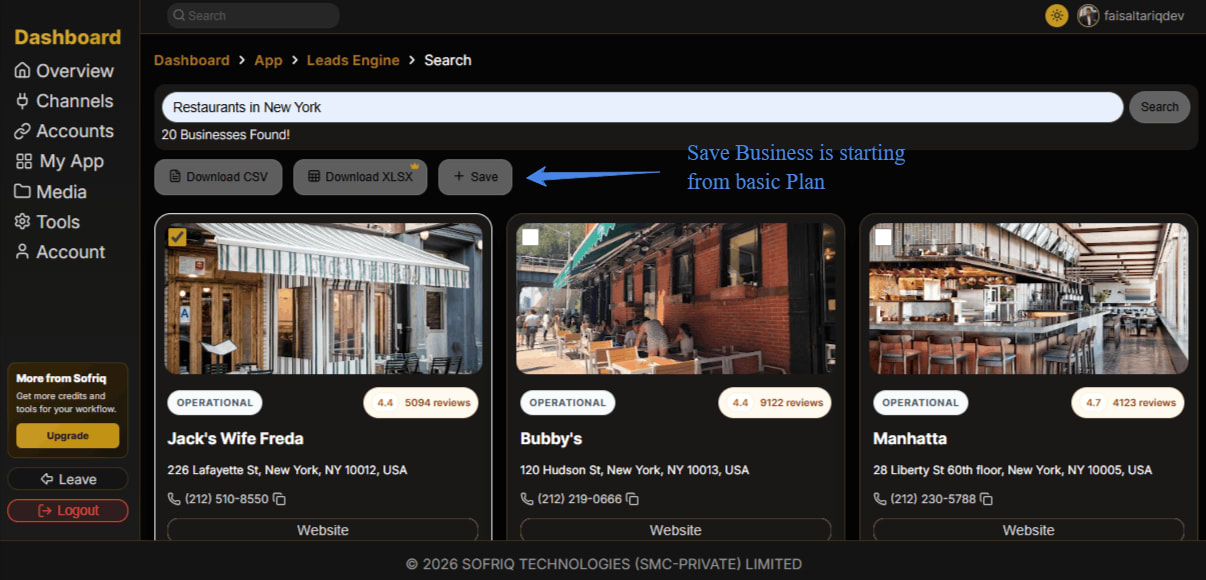
Note: This is a premium Feature, starting from the Basic Plan. You can explore our pricing on the pricing page.
Comprehensive Feature Breakdown
To help you understand every corner of the tool, here is a detailed breakdown of its architecture:
Watch the Video Tutorial
If you're a visual learner, we've prepared a "Next Level" video tutorial that shows every step of this process in action.
Disclaimer
This tool is built for research and analytical purposes. We encourage users to respect local privacy laws and Google's fair-use policies when managing their exported files.
Join the Conversation
Share your perspective, ask thoughtful questions, or leave constructive feedback about this article.